A professional conference setup usually includes sound systems, microphones, LED screens, stage lighting, comfort monitors, live streaming systems, and technical support crews. The equipment required depends on the venue size, number of attendees, event format, and presentation requirements.
SOUND SYSTEM
1. What types of microphones are suitable for a conference?
A. Handheld Microphone

Commonly used for:
- Emcee (MC) hosting
- Audience Q&A sessions
- Panel discussions
Handheld microphones are flexible and easy to pass around during interactive sessions.
B. Gooseneck Microphone
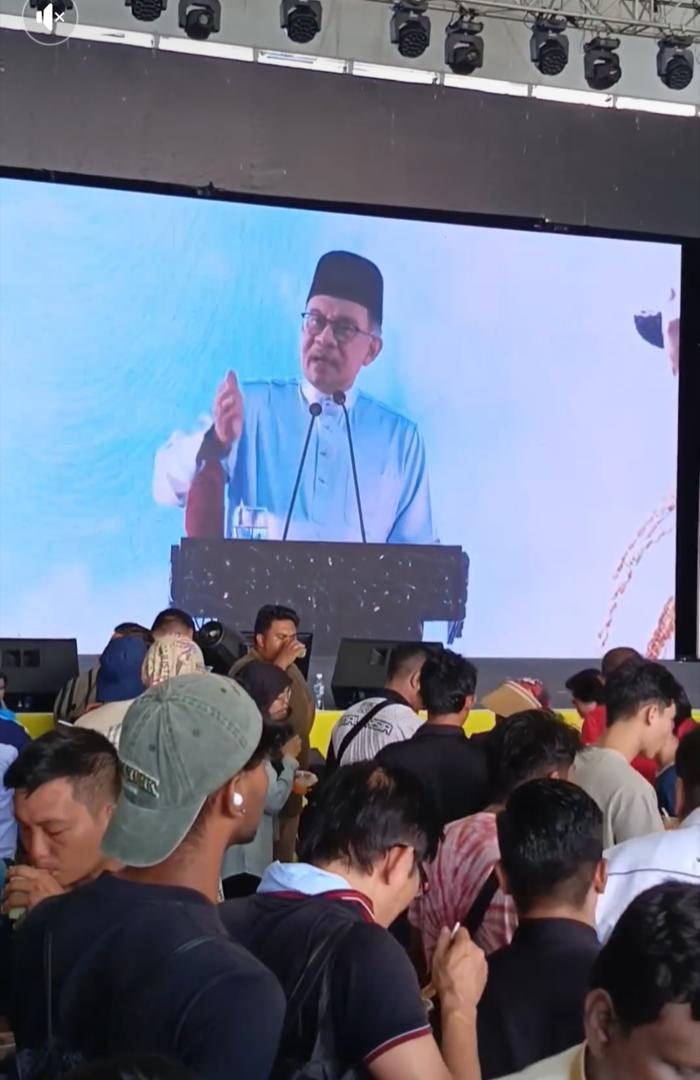
Usually placed on:
- Podiums
- Conference tables
- VIP speech areas
Ideal for formal speeches and presentations where the speaker remains stationary.
C. Lapel Microphone
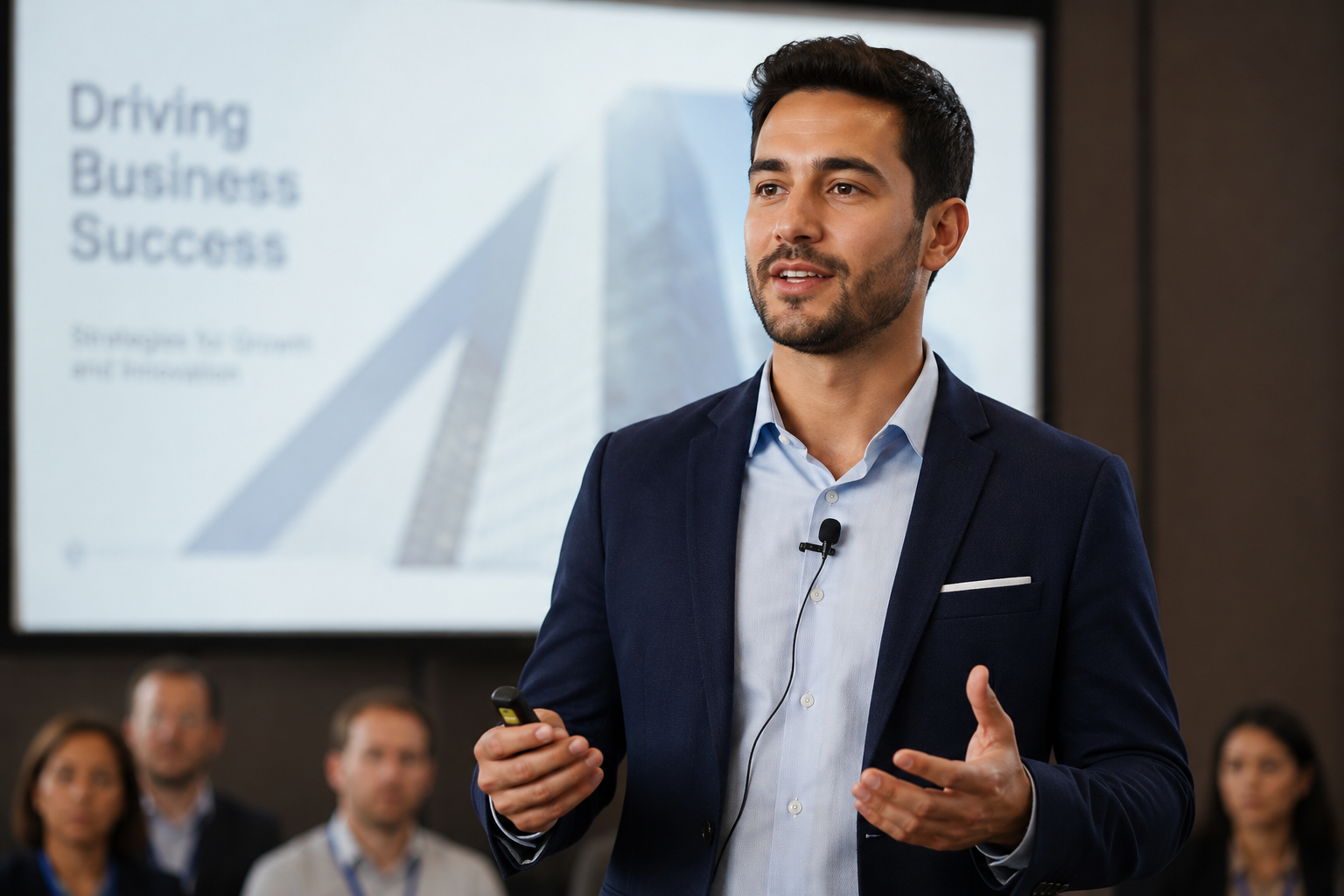
- Suitable for formal speakers who prefer a clean and professional appearance with minimal visible equipment. Lapel microphones are small, discreet, and clipped onto clothing.
- For speakers who move actively on stage, we usually recommend upgrading to a headset microphone for more stable audio performance.
D. Headset Microphone
.jpg)
Best for:
- Speakers who require hands-free presentation
- Demonstrations or product showcases
- Speakers who move frequently on stage
Headset microphones provide consistent sound quality while allowing full freedom of movement.
2. How many microphones are needed for a conference?
The required quantity depends on the event format. Generally, we recommend:
- 1 microphone for the Emcee (MC)
- Additional microphones based on the number of speakers or panelists
- Extra microphones for audience Q&A sessions
Our team can recommend the suitable quantity based on your event agenda.
3. How can the audience ask questions during the session?
- Wireless microphones can be placed around the seating area or handled by roaming crew members, allowing audience members to easily participate during Q&A sessions.
VISUAL SYSTEM
1. What LED screen size should I choose?
- We generally recommend using an LED screen close to a 16:9 ratio. This ensures presentation slides appear properly without stretching and maintains the same visual format as the speaker’s laptop.
- If presentation content can be customized, we often suggest using a wider LED screen that matches the stage width for a more immersive visual experience.
2. What is the purpose of a comfort monitor (Comfort TV)?
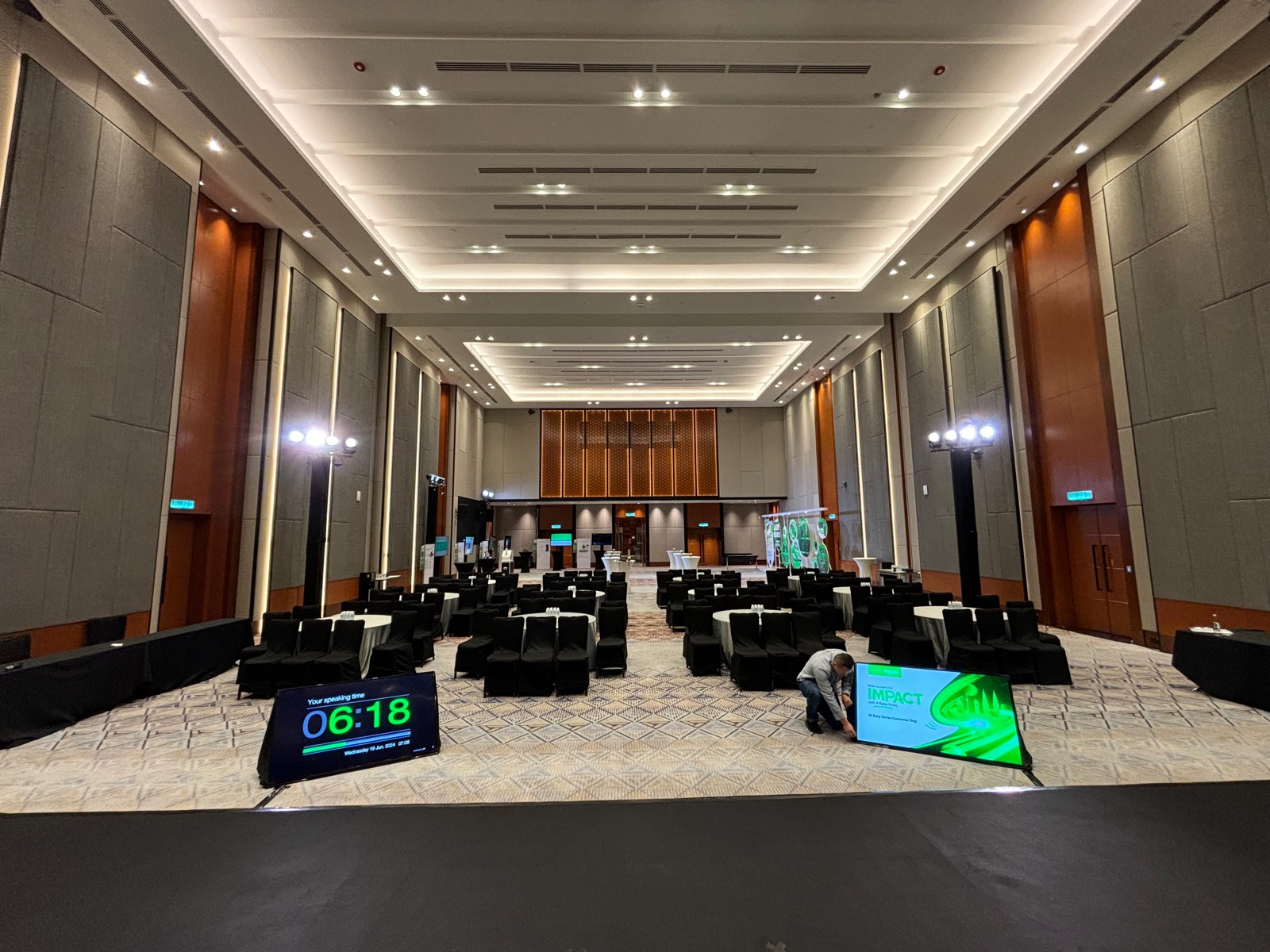
Comfort monitors are screens placed facing the speakers or presenters. They are commonly used to display:
- Presentation slides
- Speaker preview
- Speech scripts or notes
- Countdown timer
This helps speakers manage their presentation flow more confidently and smoothly.
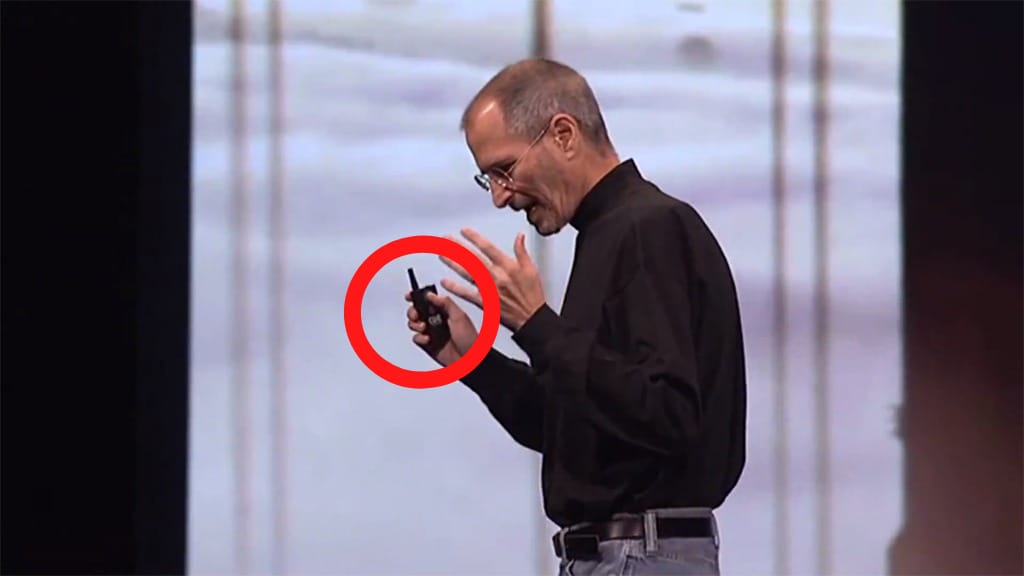
3. How do speakers control presentation slides?
- Most conferences use a wireless presentation clicker such as a Perfect Cue system, allowing speakers to change slides remotely without returning to the control desk.
 4. Can my conference be live streamed?
Yes. Conferences can be live streamed using a Multi-Cam Production (MCP) setup.

This allows online audiences to view:
- Multiple camera angles
- Speaker presentations
- Presentation slides simultaneously
Live streaming is suitable for hybrid events, corporate conferences, seminars, and large-scale forums.
LIGHTING
1. Do I need lighting for my conference?
- Yes. Hotel downlights alone are usually insufficient for professional conferences. Without proper stage lighting, speakers’ faces may appear dark in photos and videos.
Front lighting (facelight) helps ensure:
- Clear speaker visibility
- Professional event photography
- Better video recording quality
2. What type of lighting is suitable for conferences?
Used to enhance the venue atmosphere and match the company’s branding or theme colors.
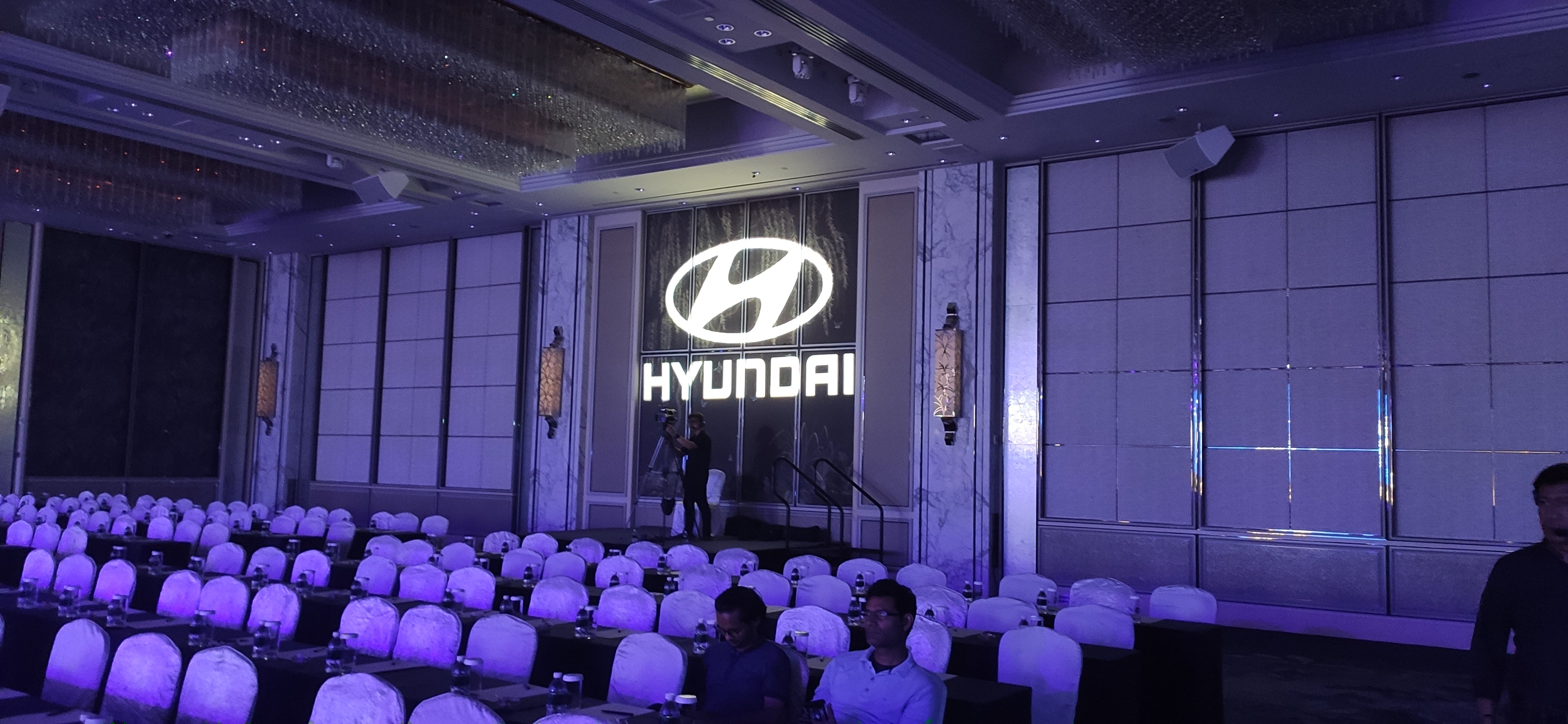
Projects the company logo or customized graphics onto walls or surfaces, creating a stronger corporate identity and more premium event appearance.
EVENT SUPPORT & TECHNICAL MANAGEMENT
1. What happens if there is a technical issue during the event?
- Our experienced technicians will remain on standby throughout the event to provide immediate assistance in case of any unforeseen technical issues.
2. Will there be technicians managing the event on-site?
- Yes. Professional technicians will be assigned to manage the sound, lighting, visual systems, and overall technical operation during the event.
BOOKING & PLANNING
1. How early should I book my conference setup?
- We recommend booking as early as possible to allow sufficient time for planning, technical preparation, and equipment arrangement.
2. How long does setup take before the event?
- Setup duration depends on the event scale, venue conditions, and technical requirements. Smaller conferences may require only a few hours, while larger productions may require a full-day or multi-day setup.
3. What information is needed for a quotation?
To prepare an accurate quotation, we usually require:
- Event venue
- Event date
- Number of attendees
- Seating or table arrangement
- Number of speakers or presenters
This helps us recommend the most suitable setup and ensure smooth event execution.
HDAV provides professional conference AV setup in Malaysia, including sound system, LED screen, lighting, and reliable on-site technical support for corporate events and seminars.



 Indonesia