
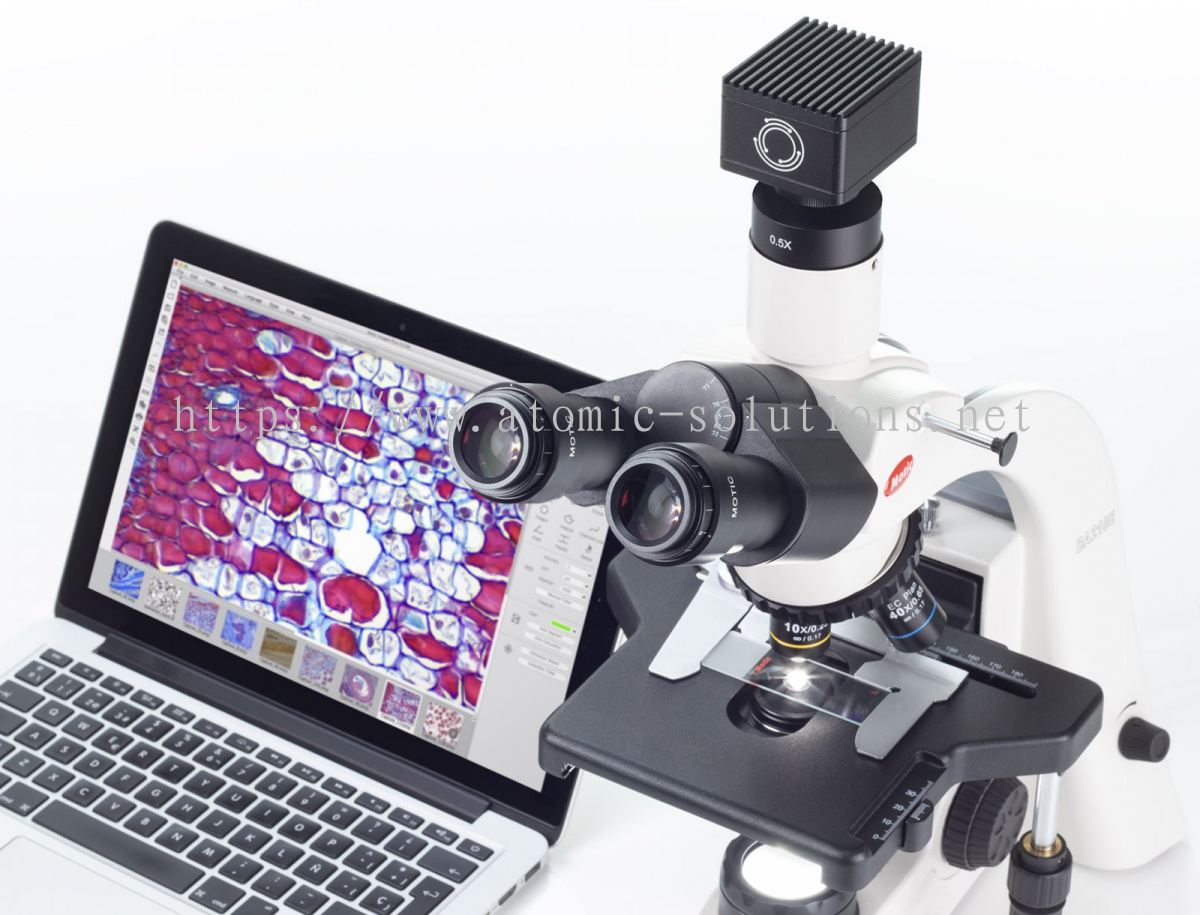

Motic Images Plus 3.0 ML
Multi-language software offering advanced and easy-to-use functions for editing, analyzing, and measuring images captured through microscopy systems, designed for individual users in research and laboratory environments.
Product Overview
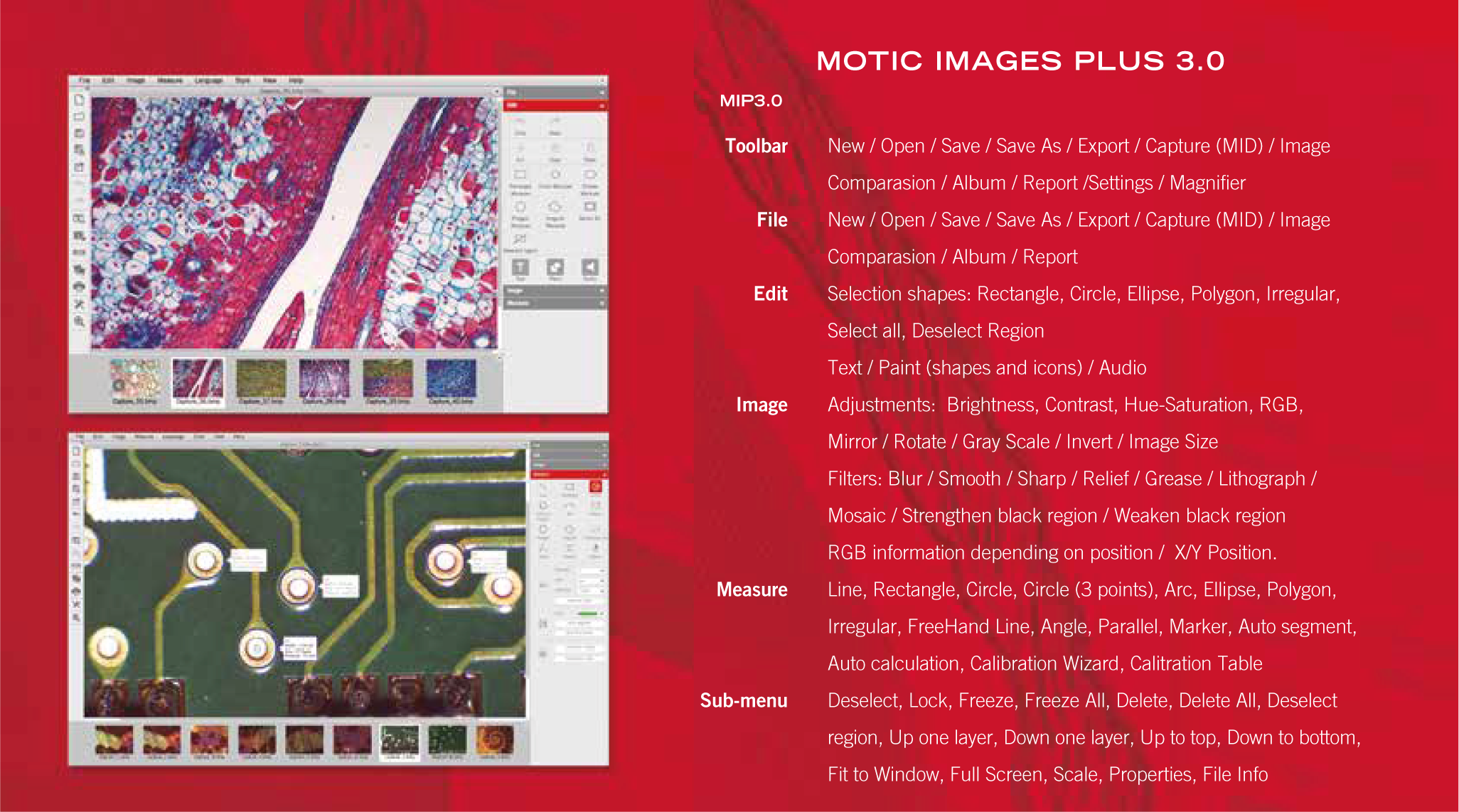
The software integrates image acquisition, adjustment, annotation, measurement, calibration, and reporting within a single interface. It supports a wide range of image formats, offers 11 distinct measurement tools, three calibration methods, and multiple filter effects for specialized image processing. The Control Panel provides dedicated tabs for Text, Paint, Measure, and Audio functions, enabling users to annotate, draw, measure, and attach audio notes to images seamlessly.
Main Features & Capabilities
Precision Measurement Suite
Eleven measurement tools including Line, Rectangle, Circle, Arc, Ellipse, Polygon, Freehand Line, Irregular, Angle, Auto Segment, and Auto Calculation for comprehensive geometric and dimensional analysis.
Multi-Method Calibration
Three calibration methods via the Calibration Wizard: Calibration Circle, Scale Cross, and Scale Line. Calibration data is saved in the Calibration Table for consistent measurement across all images.
Image Enhancement & Filtering
Adjust brightness, contrast, hue, saturation, and RGB channels individually. Apply filter effects including Smooth, Blur, Sharp, Relief, Grease, Lithograph, Mosaic, and custom user-defined filters for specialized processing.
Album & Image Comparison
Organize images in a folder-based album with preview and amalgamation capabilities. Compare two images side by side with multiple loading methods including drag-and-drop, double-click, and shortcut menu.
Annotation & Paint Tools
Add text, icons, and drawn shapes (lines, rectangles, polygons, circles, ellipses, irregular figures) directly onto images. Customize line color, fill color, line width, and illumination direction for professional annotations.
Report Generation
Create comprehensive reports with loaded images, text input, and customizable fonts. Print or export reports in *.mwp format. Supports page management, color selection, and full-screen preview for professional documentation.
Description & Key Benefits

Versatile Applications
Microscopy Research
Capture, edit, and measure microscope images with precision calibration tools. Use the Live Imaging Module for real-time capture through connected microscopes and apply measurements calibrated to specific objective lenses.
Laboratory Documentation
Generate professional reports with integrated images, annotations, and measurement data. Export results to *.txt or *.cvs for integration with laboratory information management systems.
Quality Inspection
Compare reference and sample images side by side using the Image Comparison tool. Apply filters and adjustments to highlight defects, then document findings with annotated screenshots and measurement data.
Education & Training
Multi-language interface and intuitive toolset make it suitable for teaching microscopy techniques. Use the paint and annotation tools to create instructional materials with labeled diagrams and audio notes.
